हिंदी में पढ़ें: ChatGPT से Resume कैसे बनाएँ
A good resume opens the first door to a job. With AI tools like ChatGPT, you can build a clean resume in minutes, as long as you ask the right way.
Step 1: Gather your details
- Name, phone, email, city
- Education with year and percentage
- Skills: Tally, Excel, typing speed, Canva and so on
- Certificates, internships or projects
- The job you are applying for
Step 2: Use this prompt
“You are an HR expert. Using the details below, create a one-page professional resume for a fresher in English. Sections: Career Objective (2 lines), Skills, Education, Certifications, Projects, Personal Details. Put skills near the top and keep the language simple. Job: [job title], City: [city]. My details: [your details].”
Step 3: Refine the answer
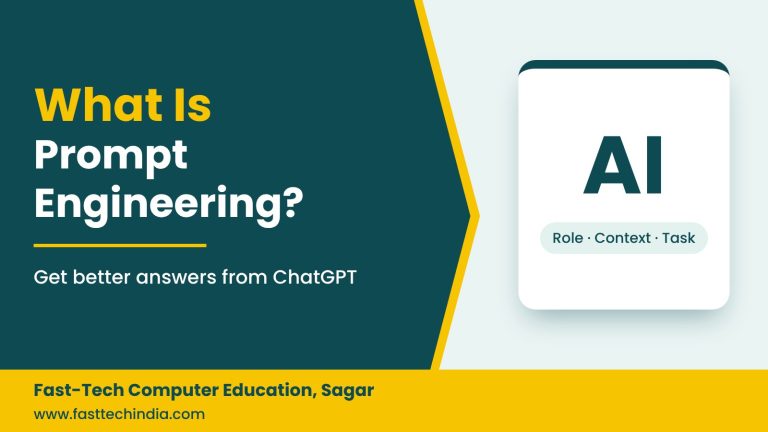
Follow up with: “Tailor the objective to [job]” or “Shorten the skills into bullets”. This is prompt engineering in action.
Step 4: Design it in Word or Canva
Paste the text into a Word or Canva resume template. Use a clean font, one accent colour and one page. Send it as a PDF.
Common resume mistakes
- Fake skills or experience, which get caught in interviews
- Sending AI output without reading it
- Spelling errors and overly long resumes
- File names like “resume final new.pdf”; use your name instead
Get fully interview-ready: Job-readiness checklist for freshers.
FAQs
Is a ChatGPT resume acceptable?
Yes, if it contains your true details and you have checked it carefully.
Should my resume be in Hindi or English?
Most private employers expect English. Keep it simple.
Learn to use AI tools for office work
In Sagar or online. ChatGPT & AI Prompting course · Placement support · WhatsApp: +91 70675 38897