हिंदी में पढ़ें: Canva कैसे सीखें
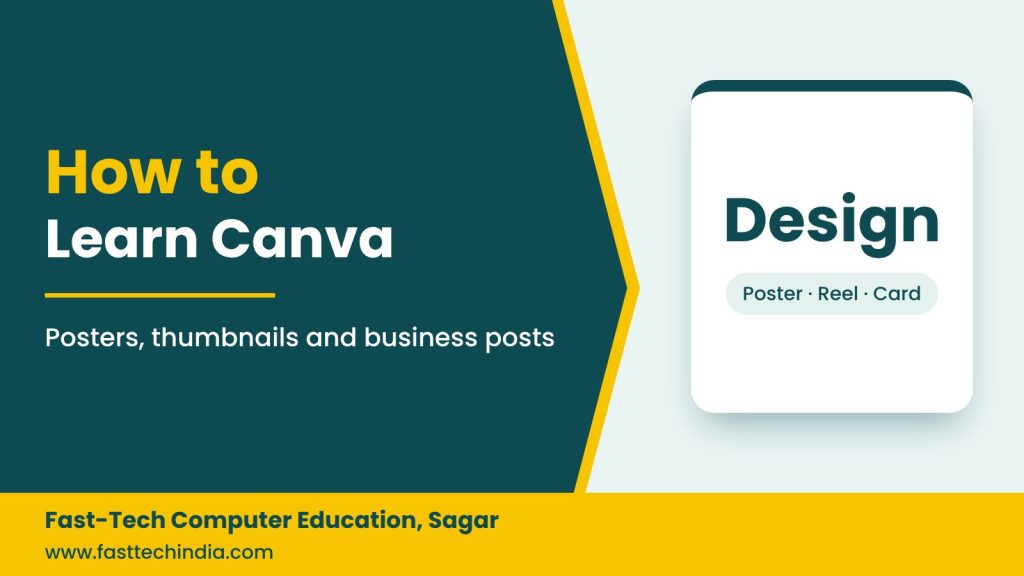
Canva is an easy online design tool for making posters, Instagram posts, reel thumbnails, visiting cards and presentations without learning Photoshop. It works on both phone and computer.
What you can make with Canva
- Offer posters for shops and businesses
- Instagram and Facebook posts and stories
- YouTube and reel thumbnails
- Visiting cards, invitations and certificates
- Resumes and presentations
- Short videos and reels
6 steps to learn Canva
- Create a free account with your Gmail.
- Pick the right size: Instagram post, story, poster or A4.
- Start from templates and learn to change text, photos and colours.
- Use fonts well: no more than two fonts per design; choose Devanagari fonts for Hindi.
- Work with photos and elements: background remover, shapes, icons and frames.
- Download correctly: PNG/JPG for social media, PDF Print for printing.
7 rules of good design
- One main message per design
- A big, clear heading that reads well on a phone
- Only 2–3 colours; keep brand colours consistent
- Leave empty space around text
- Make phone number and address easy to see
- Use clear, good-quality photos
- Never use other brands’ logos or copyrighted photos without permission
How to earn with Canva
- Daily social media posts for local shops and businesses
- Wedding and event invitations
- Posters, banners and certificates for schools and coaching centres
- Thumbnails for YouTube creators
Combine Canva with digital marketing to grow both work and income. Read: Digital Marketing Career Guide.
FAQs
Is Canva free?
Yes, the free version is very capable. Some premium templates and features need Canva Pro.
How long does it take to learn Canva?
Fast-Tech’s Canva Designing course takes about one week and is fully practical.
Learn Canva Designing, hands-on
In Sagar or online. Canva Designing course · WhatsApp: +91 70675 38897 · Call: +91 87706 08768